
Ednice — webinars without OBS, Zoom, or a stack of tools
Studio, room, courses, sales and analytics — in one browser window.
Not glued-together services — one dashboard
Every tool from the usual setup is already inside Ednice — no exporting and no double payments.
Studio
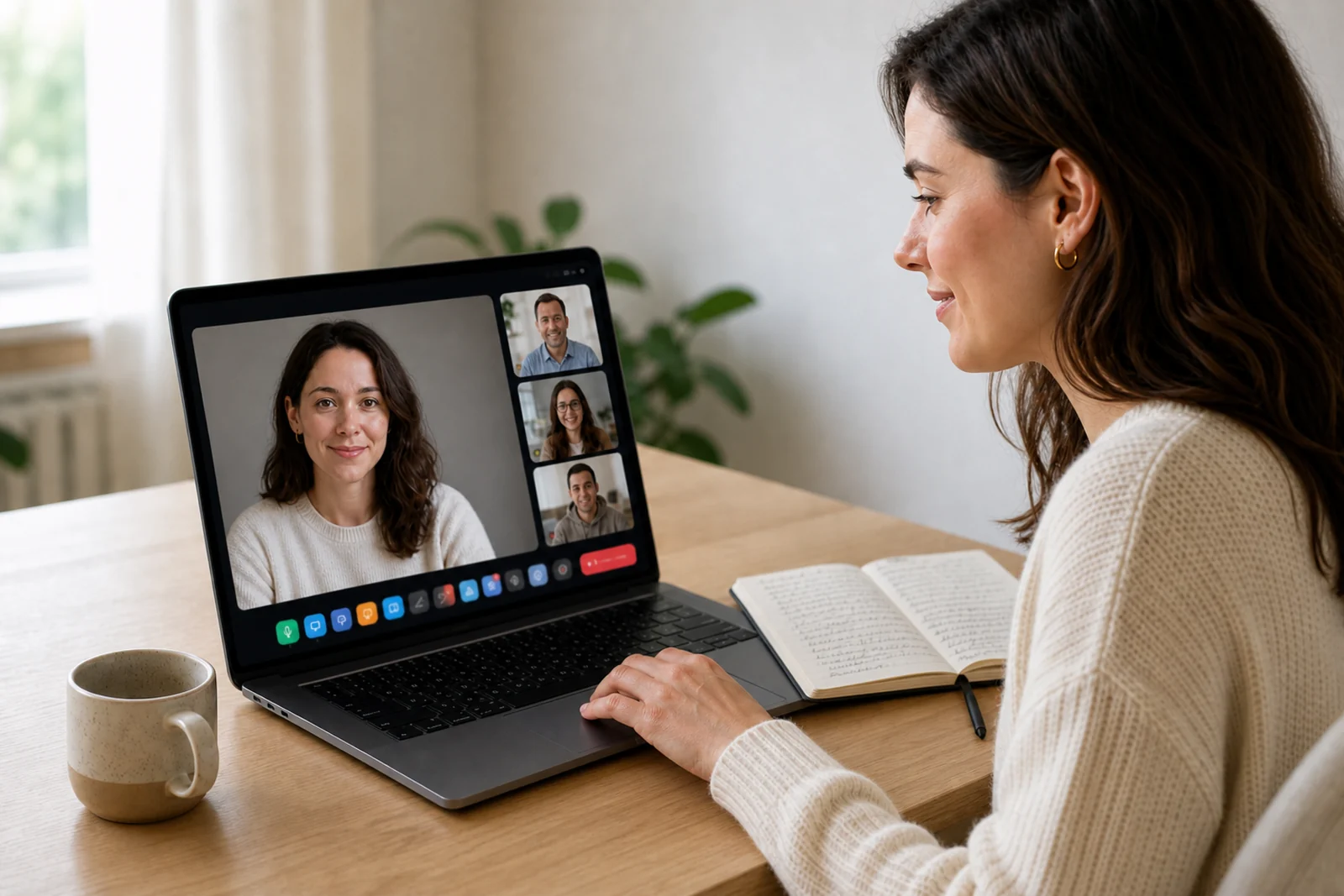
Scenes, cameras, slides, screen sharing with sound and recording — right in the browser, without a single app.
Room
Chat, reactions, polls and raised hands. Up to 6000 viewers on an automatically dedicated server.
School
The stream recording becomes a course lesson in one click. Students, programs and progress — right there.
Sales
An offer with a timer on top of the stream, card payment without leaving the broadcast, and paid entry for closed events.
A studio without a director
Three ready-made scenes switch in one click — try it right here.
- Slides from an uploaded presentation with prompts for the host
- Drawing and virtual canvases
- Screen sharing with sound
- Camera background, music and video inserts
- HD recording up to 1080p
More than just viewers
Participants answer, react and join the stream — the host manages all of it in real time.
Sound and picture are great, let’s go!
Then let’s move to practice — open the template
The poll came right on time
Raised my hand — got a question about pricing
Moderated chat
History is saved, the host and assistants keep things tidy.
Polls with up to 8 options
Percentages update live — the audience joins in.
Five reactions
The mood of the stream is visible at a glance — no words needed.
Consultations for up to 10 participants
Small groups and one-on-one meetings — in the same room.
Sell right during the stream
The climax of the stream is not “a link in the chat”, but an offer on top of the broadcast with payment in a couple of clicks.
- Course offer with price and timer on top of the stream
- Card payment without leaving the broadcast
- Paid entry for closed streams
- All payments live in the same dashboard
Analytics in the moment — and after
See what your audience is doing right now, and get a ready-made report after the stream.
The journey of a stream
From idea to report — six steps, and you never leave the platform.
Create the stream
40+ formats, scenes and slides — assembled in the dashboard in a couple of minutes.
Invite viewers
A link and a QR code. Need paid entry — it’s a single toggle.
Run the stream
Browser studio: scenes, slides, screen with sound — no director needed.
Sell the course
An offer with a timer on top of the stream, card payment — without leaving the broadcast.
Recording to lesson
The recording is in your dashboard in 1–3 minutes. Into the course program — in one click.
Study the results
Attendance, retention, polls and sales — the report is already waiting for you.
And a few more things
Little things that make a stream feel calm.
Up to 6000 viewers
Every viewer sees the stream without delay, and anyone can request to go live.
Record at any moment
The recording is available not only right after the stream — you can also watch it during the live with a 15-second delay!
40+ formats
Format names for any occasion: lesson, review, conference, demo day.
Consultations and calls
One-on-one consultations and mini-groups — in the same room, with the same tools.
Assistants via QR
Camera, microphone, slides or teleprompter — helpers join via QR without an account.
Attendance, not signups
You see how many registered and how many actually came — no illusions.
Frequently asked questions
No. The studio and the room run in the browser: camera, scenes, slides, screen sharing with sound — without a single app. Viewers don’t need anything either, just a link.
Three ready-made scenes switch in one click, slides and speaker notes are already inside, and the recording appears in your dashboard by itself. For weekly streams, there’s nothing left to configure.
Via an invite link or QR code. Registration takes half a minute, and you see not just a list of signups, but real attendance. Course students can also join as viewers if the lesson material type is a webinar.
It is saved and available for you to watch. To share it with your viewers, turn the past webinar into a course lesson and grant access for free or for a fee.
Yes. The basic plan is $0 forever: webinars for up to 1000 participants, recording, chat, polls and basic analytics included. Paid options switch on only when your school grows.
Zoom is a call: a 40-minute cap on the free plan and a separate app for viewers. On Ednice the stream runs in the browser with no time limit: scenes, slides with speaker notes, chat, polls, recording and an offer over the live video. Viewers only need a link.
Yes. People pick GetCourse when a school already sells courses as a bundle. If you want your first stream tonight, Ednice’s basic plan is $0 forever: studio, recording, chat and polls for up to 1000 participants. Courses and payments appear in the same dashboard when the school grows — no platform move.
Telegram is great for inviting people, but it is not a studio: no scenes or speaker slides, no proper recording, no live polls, no attendance analytics. On Ednice you go live in the browser and still send the link where you already talk to people — Telegram, email or stories.
Your first stream — tonight
A free plan, a browser studio, and analytics you can see right during the stream.