
Personal consultations — no DMs, no separate Zoom
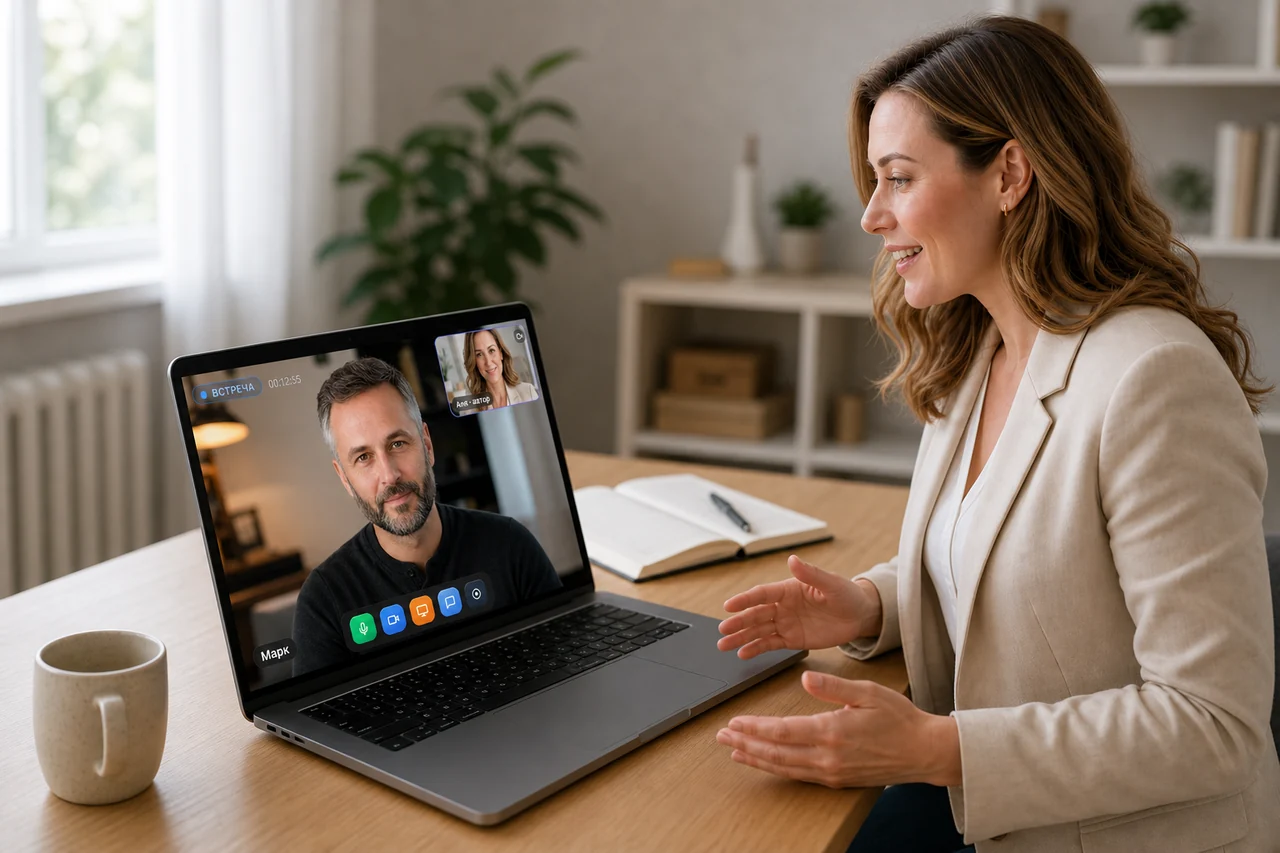
The client pays and gets a link, the meeting happens in the browser, and the recording stays in your dashboard. Up to 10 participants — and everyone can talk.
One engine — four formats
A consultation, Q&A, office hours or just a meeting — same settings, only the name your client sees changes.
One-on-one consultation
A personal meeting with a client: you set the date and time, the client pays and gets a seat via the link.
Q&A session
Up to 10 people ask questions by voice — everyone is on air at once, no queue, no raised hands.
Office hours
Recurring hours for your own: the group joins via the link at the set time and goes through the week’s questions.
Meeting
Simply a video meeting for up to 10 participants — homework review, a stand-up or a group call.
Everyone talks, everyone hears
Up to 10 participants — each on air from the start, with camera and microphone. Click a tile to toggle that participant’s mic.
- Up to 10 participants — all on air at the same time
- Screen sharing with sound and PDF slides — like in the big studio
- Chat and reactions — for those who listen quietly
- The meeting recording stays in your dashboard
Payment before the meeting
You set the date and time — the client pays and gets a seat via the link. No invoices in DMs, no “send me your card”.
- Paid entry: from $10 to $1,000 per seat
- Card payment in the familiar bank window
- Payments and payouts — in the same dashboard
- Free consultations work too
Launch strategy review
Card payment in the familiar bank window
The journey of a consultation
From creation to recording — six steps, and you never leave the platform.
Create the consultation
Format, date and time with your time zone, duration from 5 to 300 minutes.
Send the link
An invite link with registration — the client takes a seat in half a minute.
Get paid
Paid entry from $10 to $1,000. The client pays by card in the bank’s window.
Run the meeting
The same studio: camera with background, screen sharing with sound, PDF slides, drawing and chat.
The recording stays
The meeting recording appears in your dashboard by itself — rewatch it anytime.
Check the analytics
Live room analytics: who came and how the meeting went — the numbers are already in your dashboard.
And a few more things
Little things that make a meeting feel calm.
Four formats
Consultation, Q&A session, office hours and meeting — on a single engine.
Up to 10 guests
Everyone has a camera and microphone from the moment they join, no raised hands.
The same studio
Screen sharing with sound, PDF slides and drawing — just like the big webinars.
Meeting recording
The recording appears in your dashboard after the meeting and stays there.
5–300 minutes
Meeting duration and the date with your time zone are set at creation.
No Zoom account
Nothing to install — for you or the client. Just the browser.
Frequently asked questions
Up to 10 participants, all on air at once: everyone has a camera and a microphone. For a one-on-one consultation it’s you and the client; for Q&A — a small group.
No. The meeting happens in the browser: the client pays for the seat and gets a link — that’s it, nothing else needed. Neither of you installs a single app.
You set the date and time, the client pays by card in the familiar bank window and gets the seat via the link. Payments and payouts live in the same dashboard.
Yes. The recording appears in your dashboard after the meeting — rewatch it yourself or show it to the client.
Yes. The basic plan is $0: consultations and meetings for up to 10 participants, recording and chat included. Paid options switch on only when your school grows.
Your first consultation — this week
A free basic plan, a meeting in the browser, and a recording that appears in your dashboard by itself.