
Not just a course builder — the whole online school in one dashboard
Program, materials, cohorts, payments, assignment review and analytics — without gluing five services together. Build the course today, students start tomorrow.
A course shaped to your method
Modules and lessons snap together like blocks — try moving a lesson to another module or adding a new one. The course card updates live.
- Six material types: video, audio, text, images, presentations and webinars
- Drag lessons — inside a module and between modules
- Your own names instead of “course / module / lesson” — students see exactly them
- Your own assignment points currency and badge rewards for finishing a module
A lesson through student eyes
Everything you upload is instantly available to students on any device. Switch material types — just like in a real lesson.

Video is converted by the platform after upload — students watch without buffering, even on a weak connection.

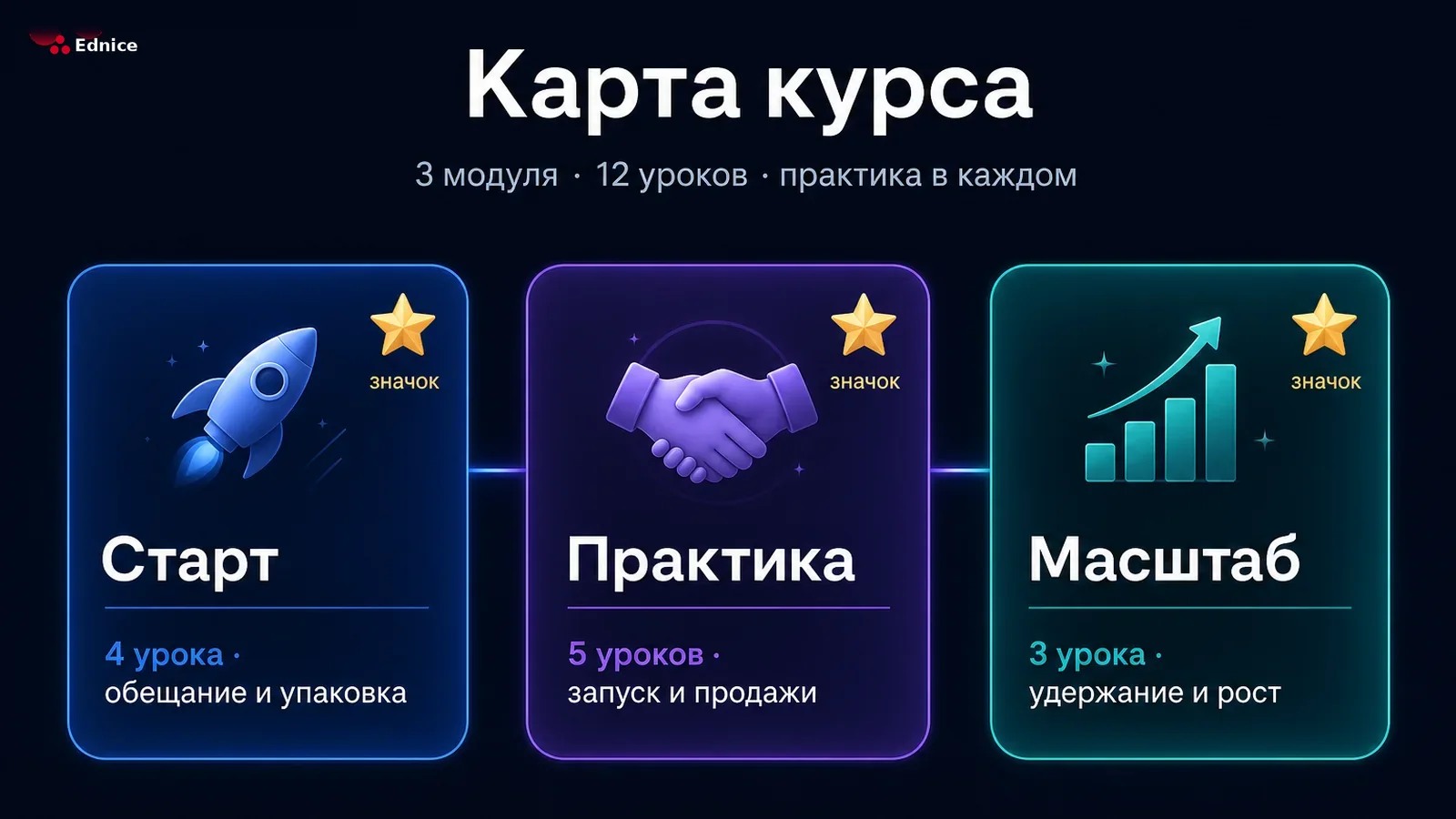
Module structure template
Open the module with a short video promise: what the student will be able to do by the end. Then theory in small chunks, each closed by practice.
🎯 The module promise
The first minutes answer one question — why finish this at all.
- The module outcome in a single sentence
- Who this block is for — and who can skip it
- A skill at the end, not “more theory”

Theory in small chunks
- One idea — one paragraph or screen
- Immediate mini-practice: a list, a sketch, a short answer
- A two-line recap before the next chunk
✅ Reviewed assignment
Close the module with a reviewed assignment. The student gets real feedback, and you see where the program stalls. After a pass, the lesson status becomes Completed.
Text can include headings, lists, emphasis and images — format the lesson like an article, without visual noise.
The live stream happens right inside the lesson, and its recording stays as material — not a separate link in a chat.
Sequential learning: the next lesson opens once the current one is 90% watched and the assignment is accepted. Students can’t skip ahead.
Sell the way that suits you
A free lead magnet, a one-time purchase or a subscription — switch and see what the student gets.
- Three access models: open, one-time payment, monthly or yearly subscription
- Students pay by card in a familiar bank window — no extra steps
- Every payment is instantly visible in the dashboard, payout is one button
- Transparent commission: you always see what lands in your account
The student pays once and learns at their own pace. Great for programs with assignment review.
Cohorts instead of one-size-fits-all access
One course — many intakes: each cohort has its own dates, module set and registration link. Try toggling the trial access.
- Each cohort has its own dates and module set
- Trial by days or by lessons — progress is kept after payment
- The registration link copies in one click
- “Open as student” — preview the course through a learner’s eyes
Review as a dialogue, not a robot
Student work lands in a single course queue. Review feels like a conversation: comment, rework, pass with points.
One queue
All course work in one list: waiting, in rework, passed.
Text and up to 10 photos
Students attach work right in the lesson — nothing gets lost in chats.
Points on pass
Awarded in your currency — “stars”, “coins” or whatever you name them.
See who’s moving forward and who’s stuck
Progress, assignments, funnel and revenue — at course, student and whole-school level. Switch the tabs.
The journey of a course
From a blank page to completion analytics — six steps in one dashboard.
Create the course
Title, cover, access model and your own terms — the card is ready in a minute.
Build the program
Modules and lessons from six material types. Drag them until it’s perfect.
Open a cohort
Dates, module set, trial access and a registration link — in one window.
Take payment
Students pay by card in a familiar bank window, the payment shows up at once.
Review the work
An assignment queue, dialogue with comments, and a pass with points in your currency.
Improve with data
The funnel, stragglers and problem lessons show what to fix in the program.
And a few more things
Little things that make a school pleasant to study in.
Your own terms
“Subject”, “term”, “session” — name the parts of the course in the words of your method.
Your own points currency
“Stars”, “coins”, “mastery points” — pass rewards are named whatever you say.
Module badges
Finish a module — get a reward. A small joy that keeps students moving.
File library
Upload once — reuse in any lesson. Conversion happens by itself.
Webinar as a lesson
A live stream or its recording is a full program material, not a separate link.
Multiple cohorts
One course lives in waves: September, November, corporate — each with its own dates.
Frequently asked questions
Video, audio, text, images, presentations and a live webinar. Video and slides are converted by the platform — students watch on any device without buffering.
You enable a trial on the cohort — by days or by lesson count. The student learns for free, and when the trial ends, pays for full access. All progress is kept.
By card in a familiar bank window, without leaving the dashboard. The platform takes an individual commission from each payment — it funds the product, the author pays nothing. Every payment appears in the registry, and you request a payout with one button — you always see what lands.
No, and that’s deliberate: review is a live dialogue with the teacher. A comment, a rework round, a pass with points — the student gets real feedback, not “pass/fail”.
Yes. The basic plan is $0 forever: courses, cohorts, assignment review and basic analytics included. Paid options switch on only when your school grows.
Yes. People pick GetCourse when a school already sells a bundle and is ready to pay for the platform. On Ednice the basic plan is $0 forever: program builder, cohorts, card payments, assignment review and analytics — in one dashboard. Up to 1000 students with no extra fees for gigabytes. When the school grows, paid options switch on here — no platform move.
Yes. You build the program, open a cohort and copy the registration link — the student pays by card and lands in the dashboard. A website is optional: a link in socials, email or stories is enough. The webinar, lessons and assignment review live in the same place.
Telegram is great for inviting people, but it is not a classroom: no sequential lesson unlock, no honest progress, no assignment review, no cohorts with a trial. On Ednice the student learns in the browser or the app, and you still send the link where you already talk — Telegram, email or chat.
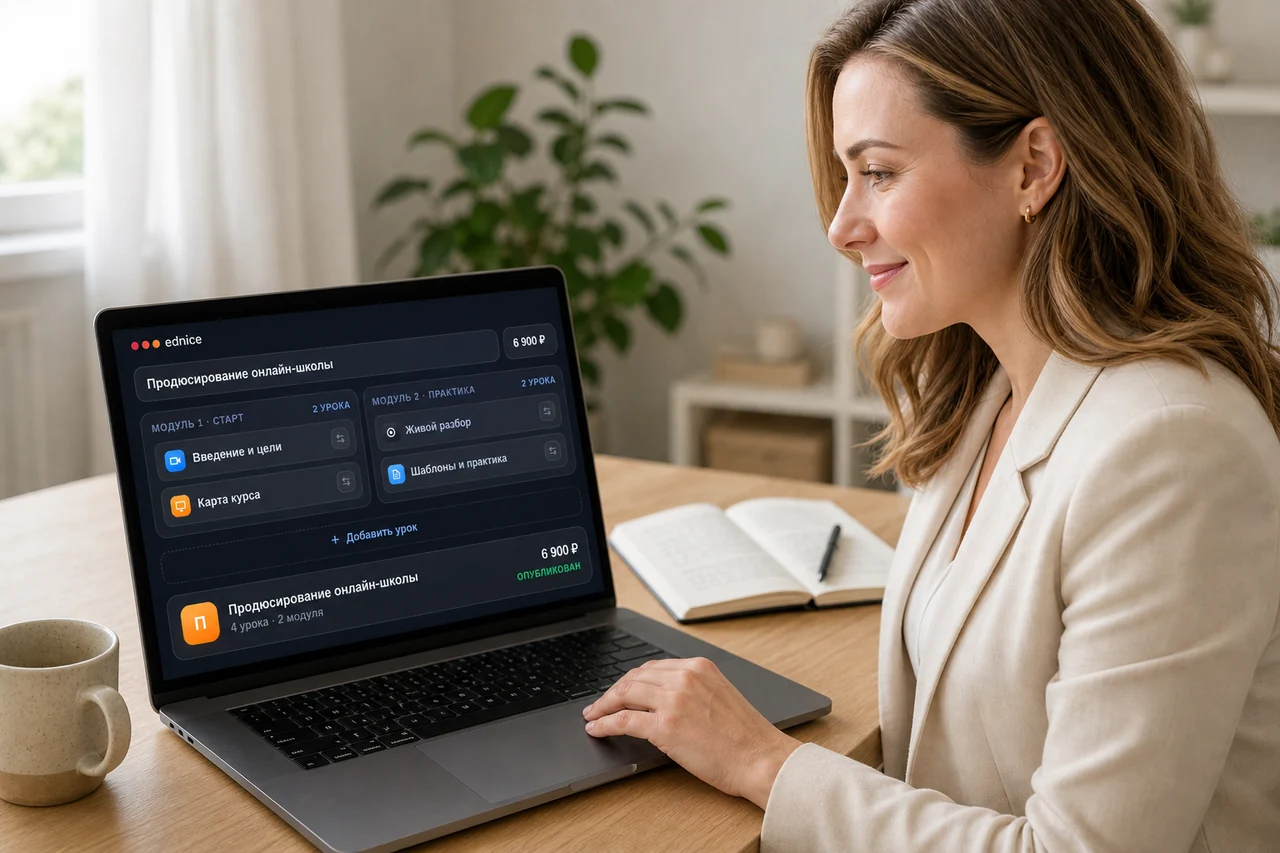
Build your first course today
A free plan, a program builder, and analytics that shows exactly where students get stuck.